

Not a screen-time class
Students use laptops and AI tools with purpose: logic, building, debugging, and explaining.
Trained. Placed. Earn from Day 1.Get Trained. Get Placed. Start Earning from Day 1.
Loading
Fetching content, finishing layout, and keeping navigation smooth.
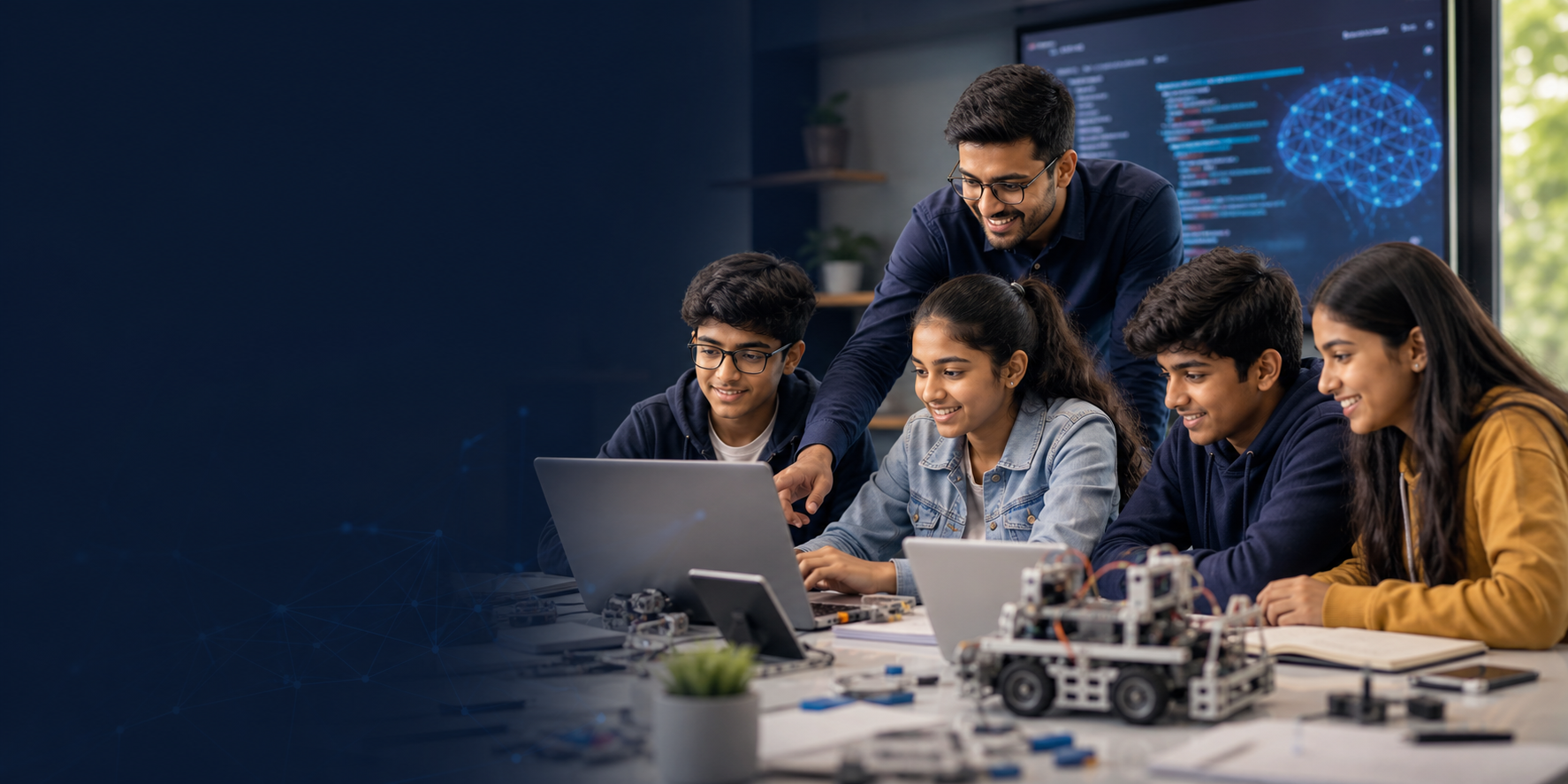
A structured junior pathway where kids learn coding, AI, web apps, data, and robotics through guided projects they can proudly explain.
8-17
Age range
3
Learning stages
6+
Demo projects
This is designed for parents and schools who want meaningful technology learning, not random tutorials. Students move from curiosity to structured thinking, then into projects that prove understanding.
Students use laptops and AI tools with purpose: logic, building, debugging, and explaining.
Every stage includes visible mini-builds so parents can see progress, not just syllabus completion.
Younger learners get curiosity-led labs; teens get portfolio habits and engineering discipline.
The method is intentionally different from passive video learning. Every session has a thinking goal, a build goal, and a short explanation goal.
01
Discover
Students first explore problems they understand: games, study tools, dashboards, robots, and apps.
02
Think
Mentors help learners break work into steps, conditions, functions, data, and user decisions.
03
Build
Each concept becomes a usable artefact: a page, automation, quiz, chart, bot, or prototype.
04
Showcase
Learners present what they built, what failed, what improved, and what they would do next.
Students do not need to choose one narrow track too early. The program gives them a foundation across the skills that modern technology actually uses.
01
Python + logic
Variables, conditions, loops, functions, debugging, problem solving, and clean code habits.
02
HTML, CSS, JS
Interactive pages, forms, simple UI thinking, portfolio cards, and responsive layouts.
03
Gen AI + charts
Safe prompting, AI as a helper, data stories, charts, automation ideas, and model awareness.
04
Sensors + demos
Robotics logic, inputs, outputs, APIs, cloud awareness, and simple engineering workflows.
Younger students need discovery and confidence. Older students need stronger project ownership and communication practice.
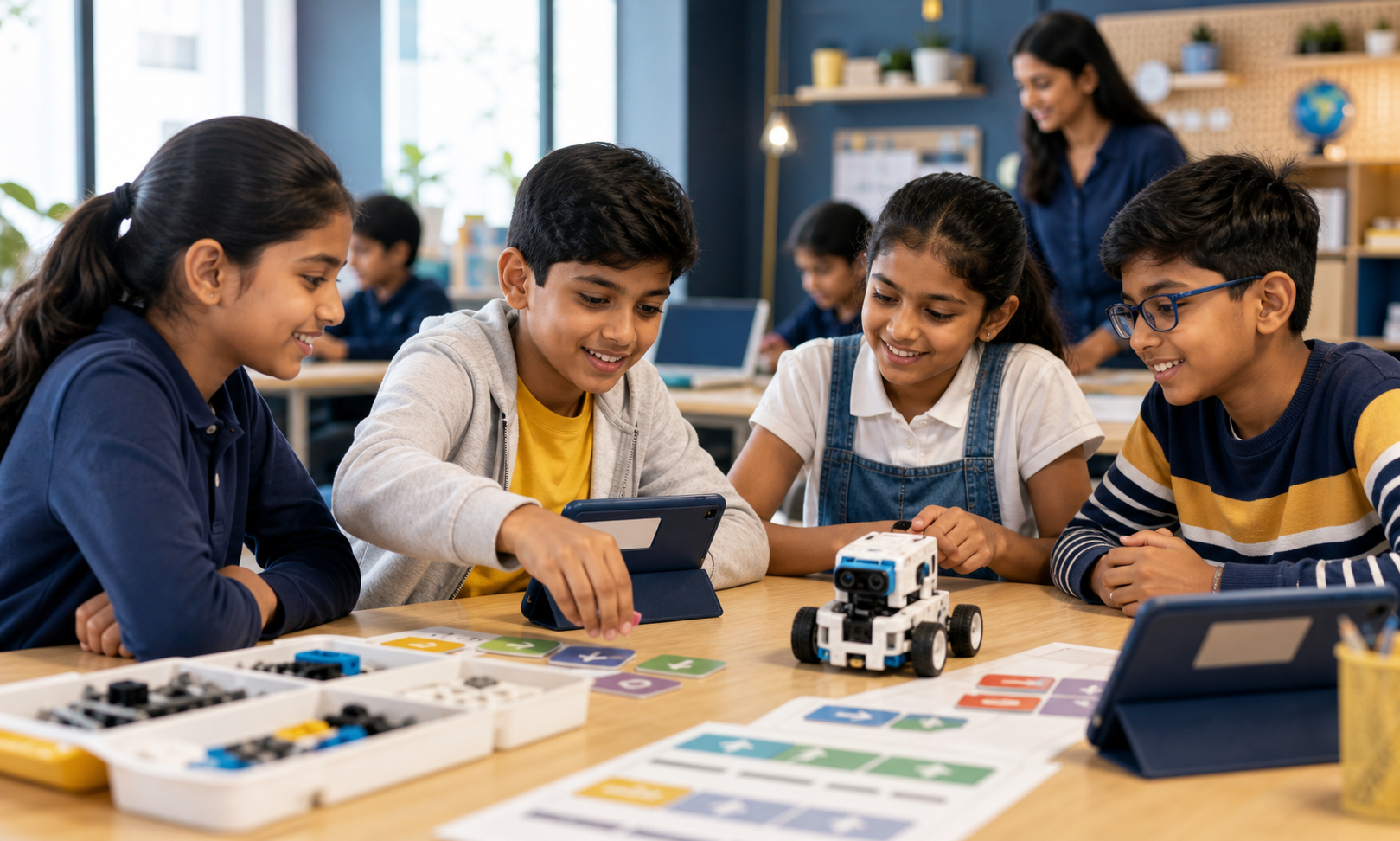
Ages 8-10
Explorer
Learners understand how instructions, sequence, and debugging work.
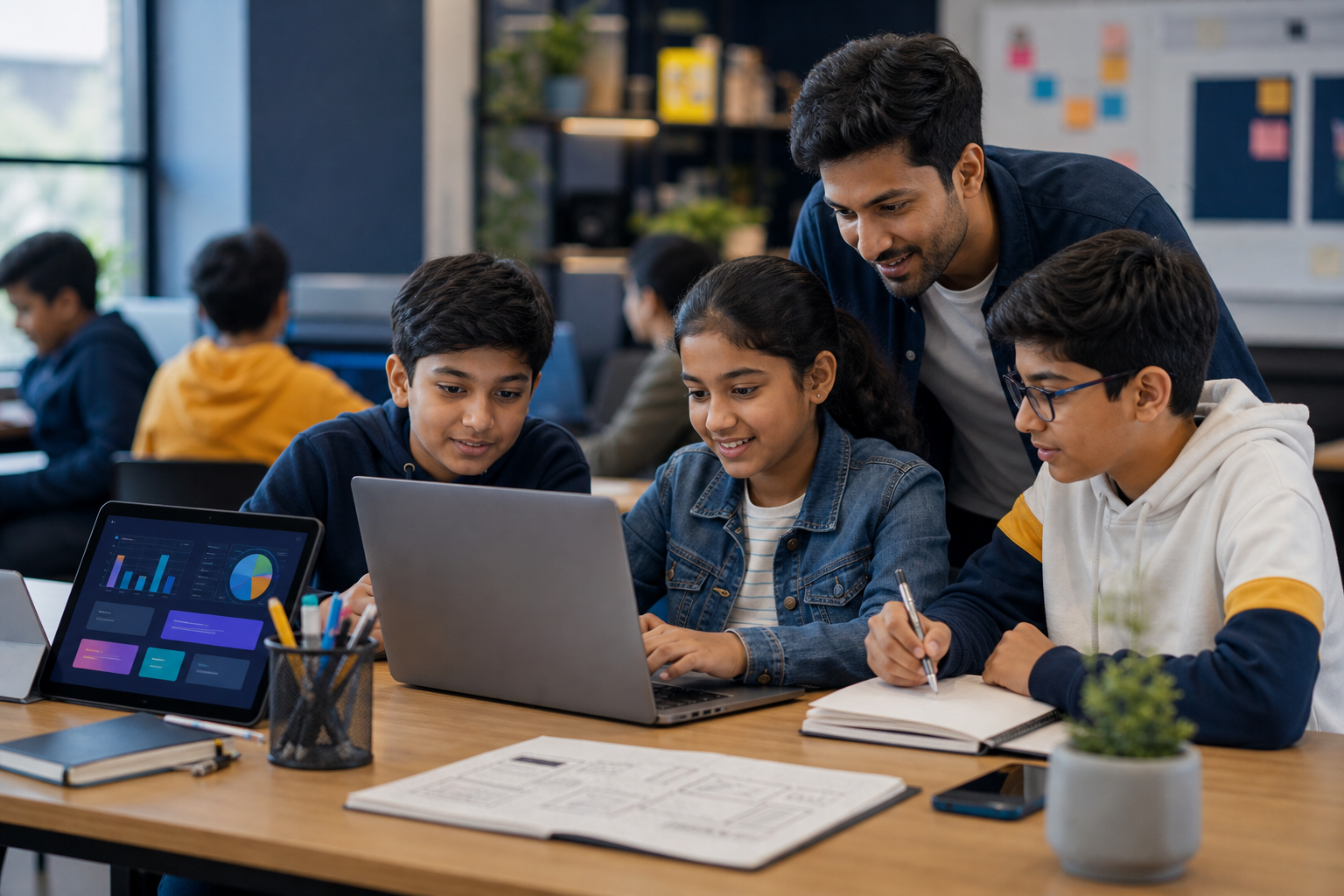
Ages 11-13
Creator
Learners build small usable products and explain their logic.
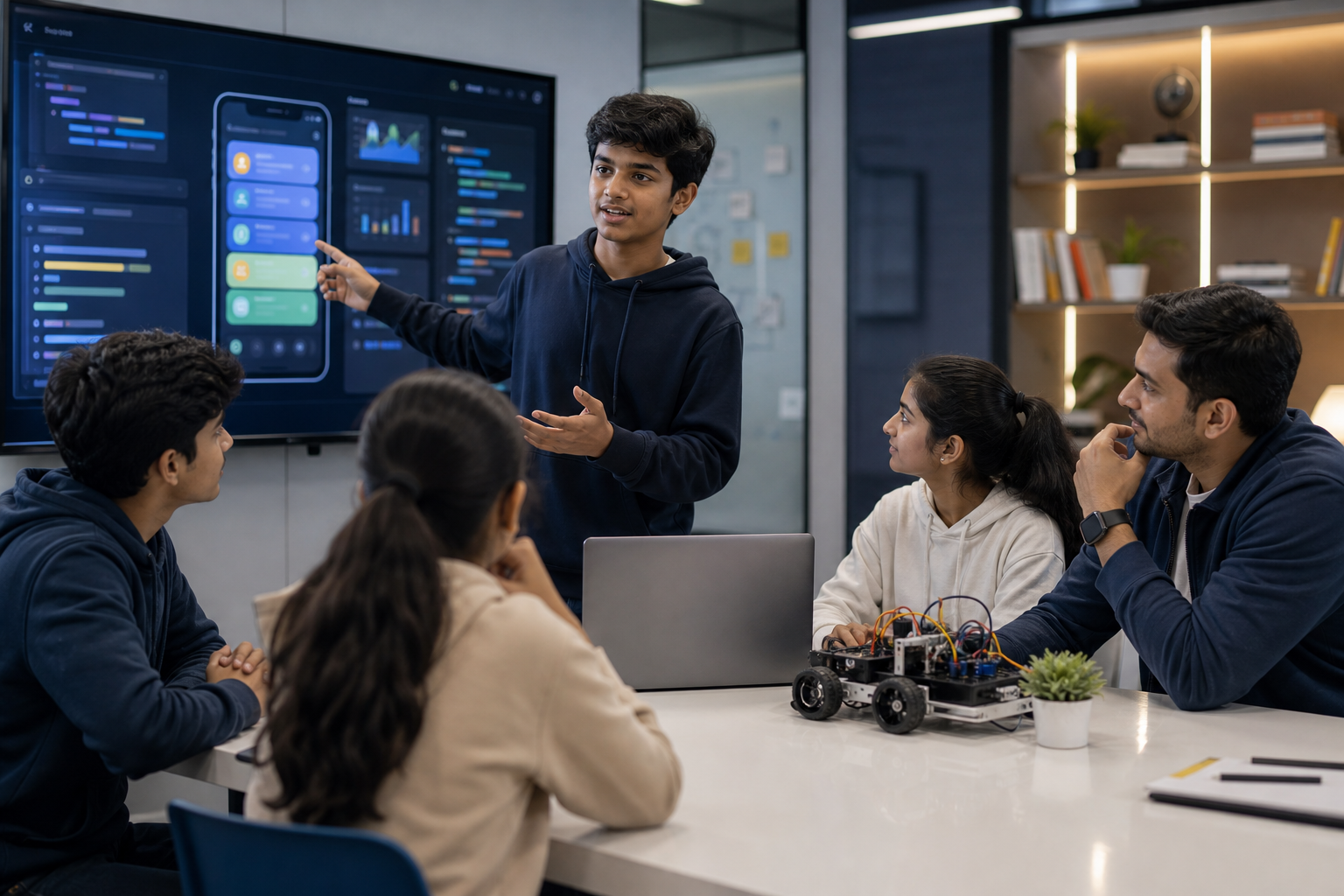
Ages 14-17
Future Engineer
Learners create stronger portfolio proof and presentation confidence.
The showcase is not about memorizing code. It is about helping students connect an idea, a build process, a demo, and a clear explanation.
Personal website with learning timeline
Python game or quiz with scoring logic
AI study assistant with safe prompt rules
Data dashboard about a school or social topic
Robotics or sensor logic demo
Capstone presentation with mentor review
Each learner leaves with stronger confidence, clearer thinking, and a practical record of what they can build and explain.
Coding confidence
Better problem solving
AI-safe learning habits
Project presentation practice
Visible project progress
Clear age-based roadmap
Balanced screen-time purpose
Honest next-step guidance
Structured STEM enrichment
Showcase-ready outcomes
Mentor-led delivery
Practical innovation culture
Share the learner age, current coding level, schedule, and goal. We will recommend the right track and batch format.
Request CallbackFAQ
Yes. The Explorer and Creator tracks start with guided logic and beginner-friendly projects before moving into code-heavy tasks.
Yes. Students learn AI as a helper for thinking, drafting, and debugging. They still learn the logic behind the work.
Yes. Each track has mini-projects, demos, and milestone reviews so learning becomes visible.
Yes. It can be delivered as small-group training, school enrichment, holiday batches, or guided online sessions based on availability.